What are good bots?
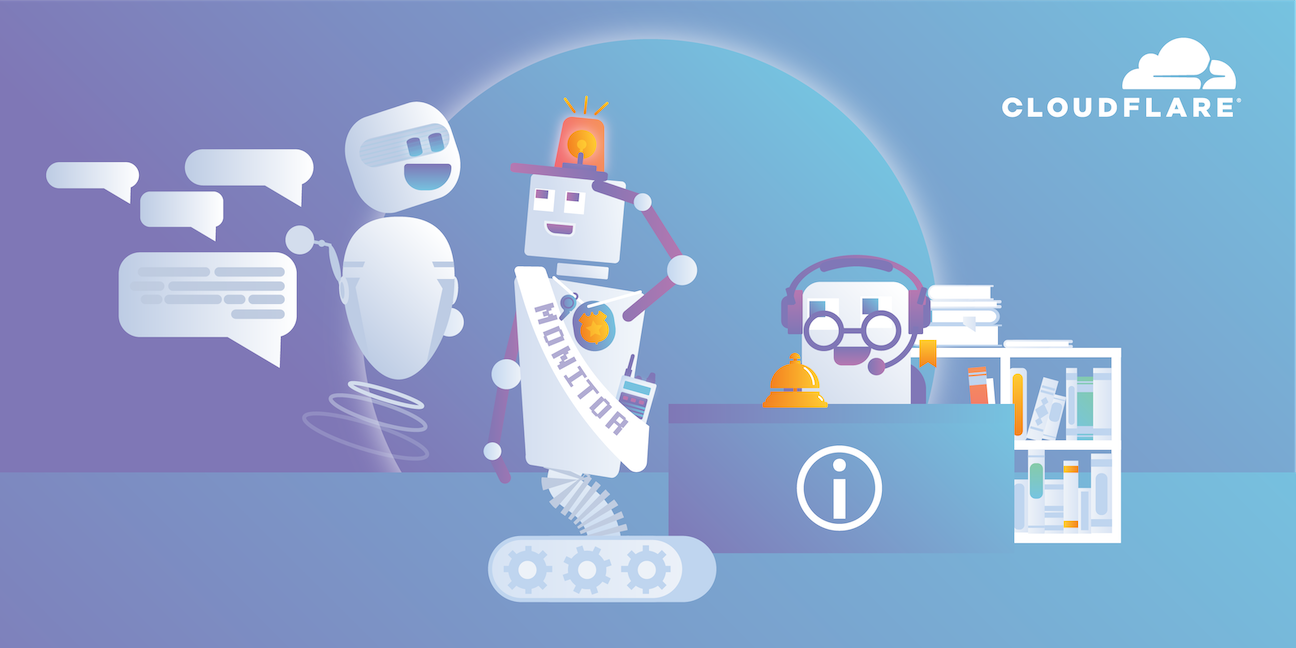
A bot is a computer program that automates interactions with web properties over the Internet. We use the term "good" bot to mean any bot that performs tasks that are not intentionally detrimental to websites or otherwise malicious. Because good bots can share characteristics with bad bots, blocking bad but not good bots can be challenging.
There are many kinds of good bots, each designed for different tasks. Here are some examples:
Search engine bots: Also known as web crawlers or spiders, these bots "crawl," or review, content on almost every website on the Internet. They then index that content so that it can show up in search engine results for relevant user searches. They are operated by search engines like Google, Bing, or Yandex.
AI crawlers: Similar to search engine crawlers, these bots copy content for use in large language models (LLMs), retrieval augmented generation (RAG), and other AI use cases. (While AI crawler operators usually do not intentionally harm crawled websites, those that scrape original content can impose direct costs on website operators, as they can send lots of requests for webpages.)
Copyright bots: Bots that crawl platforms or websites looking for content that may violate copyright law. These bots can be operated by any person or company who owns copyrighted material. Copyright bots can look for duplicated text, music, images, or even videos.
Site monitoring bots: These bots monitor website metrics – for example, monitoring for backlinks or system outages – and can alert users of major changes or downtime. For instance, Cloudflare operates a crawler bot called Always Online that tells the Cloudflare network to serve a cached version of a webpage if the origin server is down.
Commercial bots: Bots operated by commercial companies that crawl the Internet for information. These bots may be operated by market research companies monitoring news reports or customer reviews, ad networks optimizing the places where they display ads, or SEO agencies that crawl clients' websites.
Feed bots: These bots crawl the Internet looking for newsworthy content to add to a platform's news feed. Content aggregator sites or social media networks may operate these bots.
Chatbots: Chatbots imitate human conversation by answering users with preprogrammed responses. Some chatbots are complex enough to carry on lengthy conversations.
Personal assistant bots: Siri or Alexa are common examples. Often powered by AI, these programs are much more advanced than the typical bot.
Good bots vs. bad bots
Website administrators should be careful not to block "good" bots unintentionally as they attempt to filter out bad bot traffic. Many websites, for instance, usually let search engine web crawler bots through, because without them a website cannot show up in search results.
Bad bots can steal data, break into user accounts, submit junk data through online forms, and perform other malicious activities. Types of bad bots include credential stuffing bots, content scraping bots, spam bots, and click fraud bots.
What is robots.txt?
Good bot management starts with properly setting up rules in a website's robots.txt file. A robots.txt file is a text file that lives on a web server and specifies the rules for any bots accessing the hosted website or application. These rules define which pages the bots can and can't crawl, which links they should and shouldn't follow, and other instructions for bot behavior. Cloudflare offers a managed robots.txt service to simplify the process of configuring these rules.
Some, but not all, good bots will follow preferences declared in robots.txt files. For instance, Google has stated that if a website owner doesn't want a certain page on their site to show up in Google search results, they can write a rule in the robots.txt file to prevent Googlebot from indexing that page. Similarly, if a website does not want its content used for training LLMs, it can express that preference via a robots.txt file. To be clear, robots.txt files do not actually prevent bots from accessing websites, and some bot operators simply disregard them.
What is an allowlist?
Think of an allowlist as being like the guest list for an event. If someone who isn't on the guest list tries to enter the event, security personnel will prevent them from entering. Anyone who's on the list can freely enter the event. Such an approach is necessary because uninvited guests may behave badly and ruin the party for everyone else.
For bot management, that's basically how allowlists work. An allowlist is a list of bots that are allowed to access a web property. Typically this works via something called the "user agent," the bot's IP address, or a combination of the two. A user agent is a string of text that identifies the type of user (or bot) to a web server.
By maintaining a list of allowed good bot user agents, such as those belonging to search engines, and then blocking any bots not on the list, a web server can ensure access for good bots.
Web servers can also have a blocklist of known bad bots.
What is a blocklist?
A blocklist, in the context of networking, is a list of IP addresses, user agents, or other indicators of online identity that are not allowed to access a server, network, or web property. This is a slightly different approach than using an allowlist: a bot management strategy based around blocklisting will block those specific bots and allow all other bots through, while an allowlisting strategy only allows specified bots through and blocks all others.
Are allowlists enough for letting good bots in and keeping bad bots out?
It is possible for a bad bot to fake its user agent string so that it looks like a good bot, at least initially — just as a thief might use a fake ID card to pretend to be on the guest list and sneak into an event.
Therefore, allowlists of good bots have to be combined with other approaches to detect spoofing, such as behavioral analysis or machine learning. This helps proactively identify both bad bots and unknown good bots, in addition to simply allowing known good bots.
What about AI bots?
Most AI tools train themselves on content from the web. AI crawler bots canvas the web for new content. This can be good or bad depending on the business model for a given website.
Some website operators may find that continued crawling by AI bots exhausts their backends or drives up their bandwidth costs too high. Others may see their business models negatively affected if they rely on their original content for revenue (e.g. an ad-based revenue model), since AI tools can use their content to help answer user queries without users making it to their website.
What does a bot manager solution do?
A bot manager product allows good bots to access a web property, blocks bad bots, and helps website administrators manage their relationships with AI crawlers and tools. Cloudflare Bot Management uses machine learning and behavioral analysis of traffic across their entire network to detect bad bots while automatically and continually allowlisting good bots. With managed robots.txt, Cloudflare can automatically modify website robots.txt files to express website administrator preferences. And with Cloudflare's pay per crawl feature, Cloudflare empowers website administrators to allow or block specific AI crawlers, or even charge those crawlers' operators on a per-crawl basis.
FAQs
What is a "good" bot?
A good bot is a computer program that automates tasks over the Internet without being intentionally malicious or detrimental to websites. Examples include search engine crawlers that index web pages and help websites get traffic, copyright bots that find pirated content, and site monitoring bots that check for outages.
Why is it important to manage good bots?
A website's bot management strategy needs to distinguish between good and bad bots. It is important to allow good bots, like search engine crawlers, to access a site so that the site can appear in search results. At the same time, some good bots, like AI crawlers, can send a high volume of requests that might increase a site's bandwidth costs or exhaust its backend servers if they are not provided with direct instructions not to do so.
What is a robots.txt file?
A robots.txt file is a text file on a web server that provides rules for bots. These rules can specify which pages bots are allowed to crawl, which links they can follow, and how often they can crawl a website. It is a starting point for good bot management, although some bots may disregard these rules.
How can I control which bots access my website?
Two common methods are allowlisting and blocklisting. An allowlist is like a guest list; it is a list of bots that are permitted to access your web property, and all others are blocked. A blocklist is the opposite; it is a list of specific bots that are denied access, while all others are allowed.
Is using an allowlist enough to keep bad bots out?
An allowlist is not always sufficient on its own. Bad bots can sometimes fake their identity to bypass the allowlist. Therefore, allowlists should be combined with other methods like behavioral analysis or machine learning to detect malicious bot activity.
How does a bot management solution help?
A bot management solution is designed to allow good bots, block bad bots, and help website owners manage their interactions with different types of crawlers. For example, Cloudflare Bot Management uses machine learning and behavioral analysis to detect bad bots while automatically maintaining an allowlist of verified good bots.